ShapeBook 2009 with 2D3DSteel 2009
| Free 30 Day Trial | Buy Now |
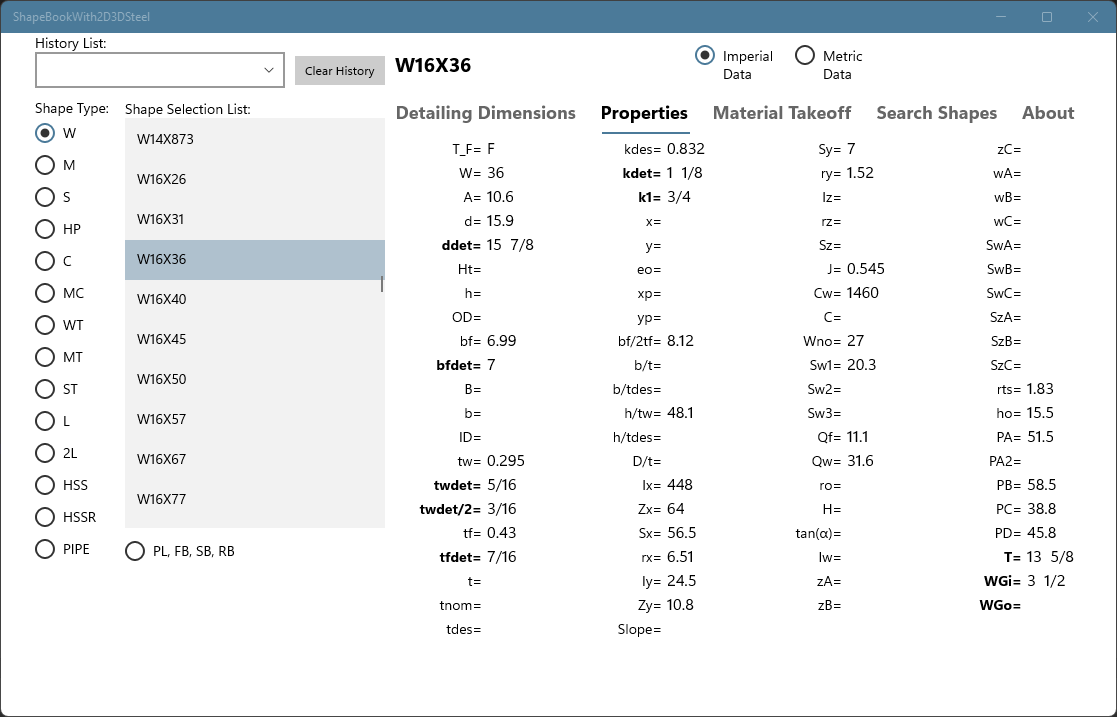
ShapeBook 2009 Screenshots: (click to view)
ShapeBook 2009 is the ultimate structural and miscellaneous steel estimating and quick reference software for steel industry professionals. ShapeBook 2009 is based on the AISC Steel Construction Manual 13th Edition plus the addition of large pipe sizes, small bar size materials, plate, flat bar, round bar, and square bar in US imperial and metric units. This new release of ShapeBook 2009 with 2D3DSteel 2009 continues the 9 year legacy of the 5 star award winning ShapeBook with 2D3DSteel software.
If you are looking for an affordable solution for estimating steel and coatings, look no further.
The new ShapeBook 2009 software is much more than just a steel shape reference. It now includes
a powerful estimating tool for steel, and coatings. The new "Calculator Material List" extends
the weight, surface area, and pricing for all of the items in your "Calculator Material List".
The "Calculator Material List" can be easily revised and manipulated. List items can be re-priced,
inserted, deleted, sorted, or dragged to new locations. The lists can be saved to files on your
hard drive and loaded back into ShapeBook or imported into spreadsheet or database software. The
"Print Calc List" command prints the list with a custom title, date, page numbers, line numbers, and
includes column and row outlines. The lists can be used as an advanced bill of materials
if needed. Click on the "ShapeBook 2009 with 2D3DSteel 2009" link above for more details.

2D3DSteel 2009 Menus and Tool bars (click to view)
2D3DSteel 2009 is an AutoCAD VLX application that draws steel shapes and includes many
new specialized commands for drawing and dimensioning steel. 2D3DSteel 2009 will run in any
version of full AutoCAD from 2000 through 2012 32-bit and 64-bit. It will not run on the LT versions of
AutoCAD. All of the shapes available in ShapeBook can be dynamically added to your
drawings. Using 2D3DSteel 2009 with AutoCAD, you will have powerful drawing tools to quickly
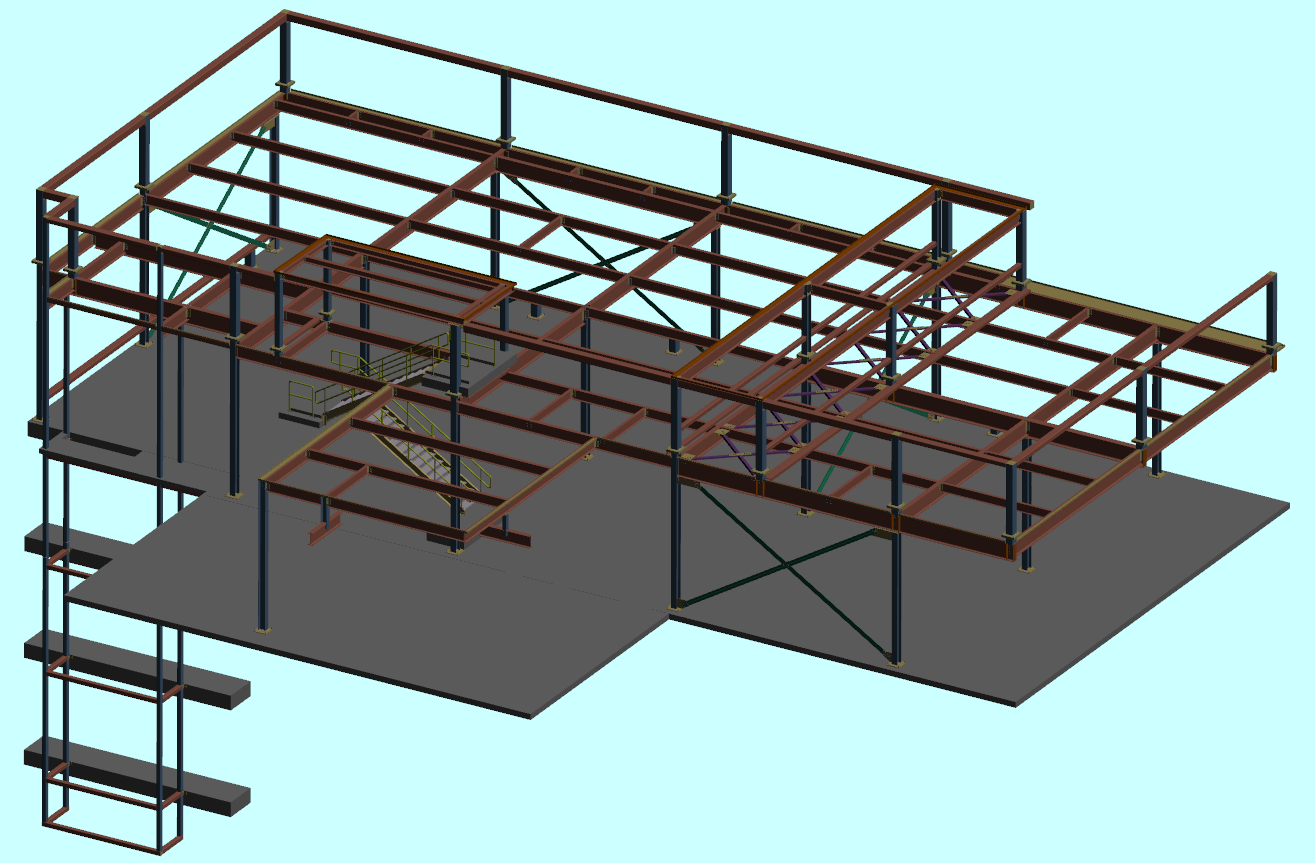
and accurately draw steel details, connections, and model structural and miscellaneous steel
framing in 2D or as 3D models. 2D3DSteel 2009 has pull-down menus and 7 tool bars. 2D3DSteel
now includes automatic setup. Just add the application to your AutoCAD startup suite and your ready
to go. The list below gives a short description of each of the new 2D3DSteel 2009 tool bars.
The 2D3DSteel tool bar has six fly out tool bars providing access to all of the 2D3DSteel commands.
The 2D3Dteel Settings tool bar is used to control all of the 2D3DSteel 2009 settings.
The 2D3DSteel Shape tool bar is used to draw 2D views and 3DSolids of the selected shape.
The 2D3DSteel Lines tool bar is a powerful set of tools for line work in your drawings.
The 2D3DSteel Holes tool bar is used to add various 2D and 3D holes and 3D cutouts.
The 2D3DSteel Dimension tool bar is used for distance input and dimensioning framing and details.
The 2D3DSteel Plate tool bar is used for drawing 2D plates in addition to the Shape tool bar.
When using AutoCAD with 2D3DSteel 2009, you will have versatile tools to draw or model 2D and 3D structural and miscellaneous
steel framing, connections, and details. Click on the "ShapeBook 2009 with 2D3DSteel 2009" link above for more details.
For more information please continue to our ShapeBook with 2D3DSteel page.
| Free 30 Day Trial | Buy Now |
ShapeBook 2009 with 2D3DSteel 2009 Pricing:
ShapeBook 2009 with 2D3DSteel 2009 = $149.95.
Upgrade ShapeBook with 2D3DSteel from version 3.1 to version 2009 = $74.95.
Upgrade ShapeBook with 2D3DSteel from version 2.1 to version 2009 = $99.95.
Upgrade ShapeBook 2009 to ShapeBook 2009 with 2D3DSteel 2009 = $74.95.
ShapeBook 2009 Only Pricing:
ShapeBook 2009 = $74.95.
Upgrade ShapeBook from version 3.1 to version 2009 = $36.95.
Upgrade ShapeBook from version 2.1 to version 2009 = $49.95.
To learn about upgrades and quantity discounts please visit our online store.
SFT48 and SFT49
| Buy Now |
The South Fork Technologies Feet and Inch Engineering Tools is an integrated library of programs for calculating in feet and inches or metric format on a HP48G, HP48G+, HP48GX, HP49G, HP49G+ Calculator. These programs enable you to add, subtract, multiply, and divide dimensions. You can calculate dimensions using the trigonometry tools for right triangles, oblique triangles, circular segments and much more, all in feet and inches. When working with the right triangle tools you just set your angle and enter a side you know and hit the button for the side you want and it is displayed. Values on the stack from previous calculations are always preserved so you can flow through a group of triangle calculations accumulating the results with ease. This software provides an essential set of integrated tools for steel detailers, engineers, and contractors. This software allows the user to solve simple or complex dimensional geometry in feet and inches without working with decimal equivalents. You can store all of the critical angles and dimensions for any project in your calculator or in a file on your personal computer. The data can be loaded back into your calculator whenever you need it.
For more information please continue to our SFT48 & SFT49.
Bill of Material Director 2010
| Free 30 Day Trial | Buy Now |

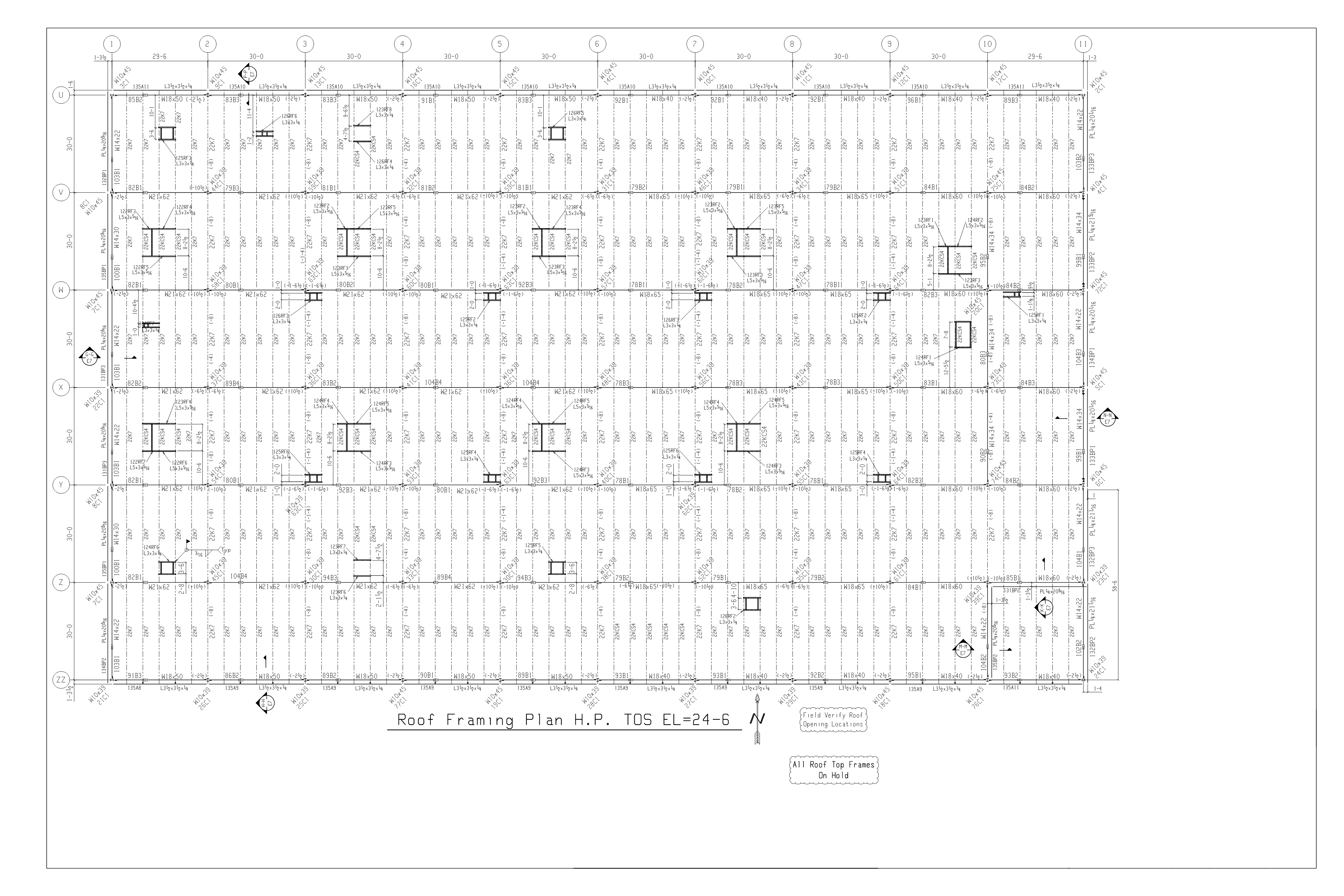
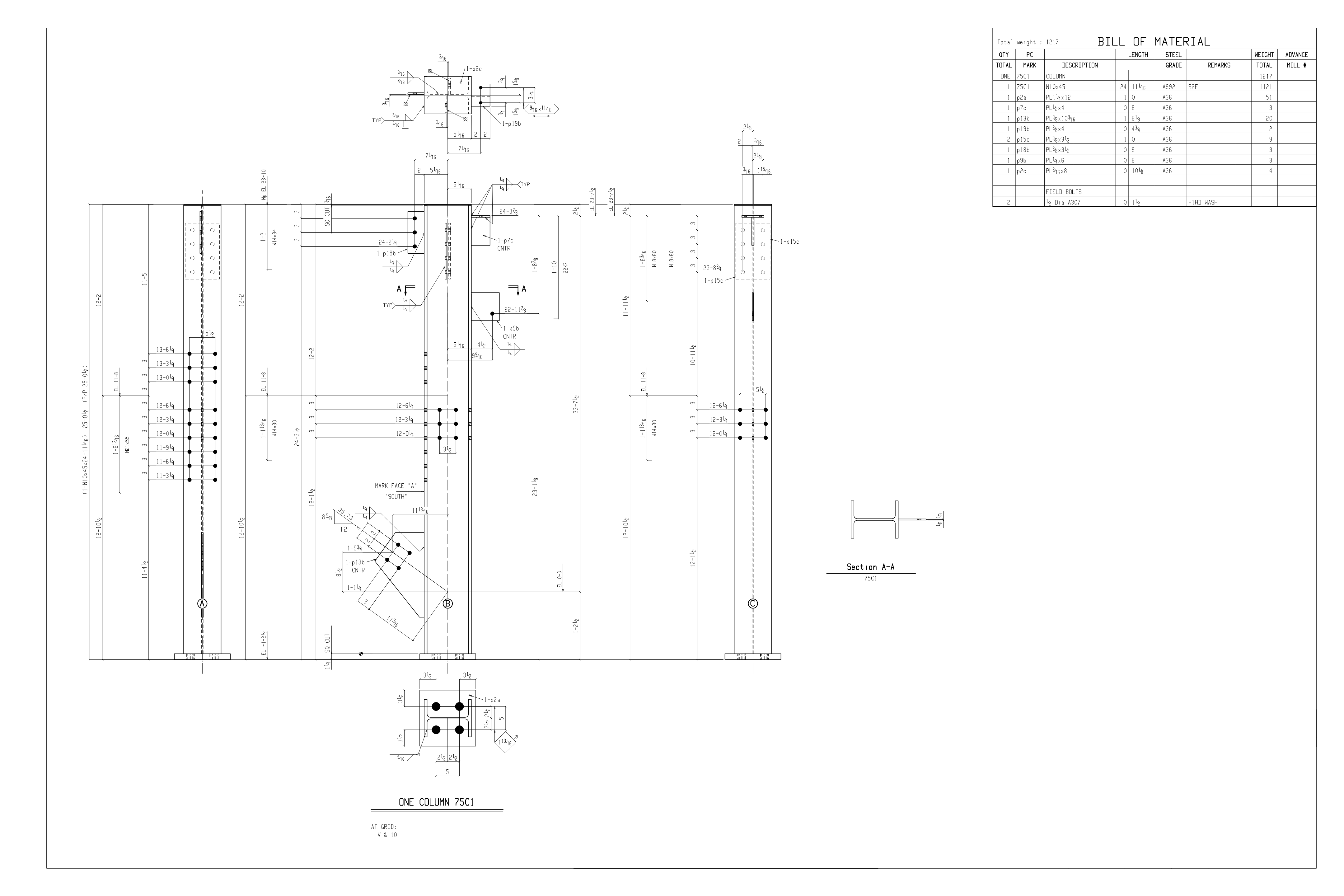
BOM Director 2010 Screenshots: (click to view)
If you are looking for AutoCAD bill of materials software for steel detailing and fabrication that will boost your productivity and accuracy, you have found it. BOM Director is an AutoCAD application that allows detailers to create and edit drawing bill of materials, and create and edit KISS files using the best text editor applications available on the market today.
Creating and editing your bill of material in a text editor allows you to work on your drawing and the bill of materials at the same time. This provides speed and accuracy you just can't get using AutoCAD's built in text and attribute editing commands.
BOM Director automates the link between BOM files and KISS files your favorite editor and bill of materials in your drawings. BOM Director knows what drawing and layout tab you have active and handles all of the file naming, creation, and opening automatically.
Sample Bill of Material Text File: (click to view)
With your editor open to any number of bill of material files ready to edit and AutoCAD running with your drawing open you are able work on the two simultaneously looking at your details and filling out the bills at the same time. When you are finished, save your text files, switch your Layout Tabs and insert the bills you were working on and you are done. It is especially productive on duel monitor workstations.
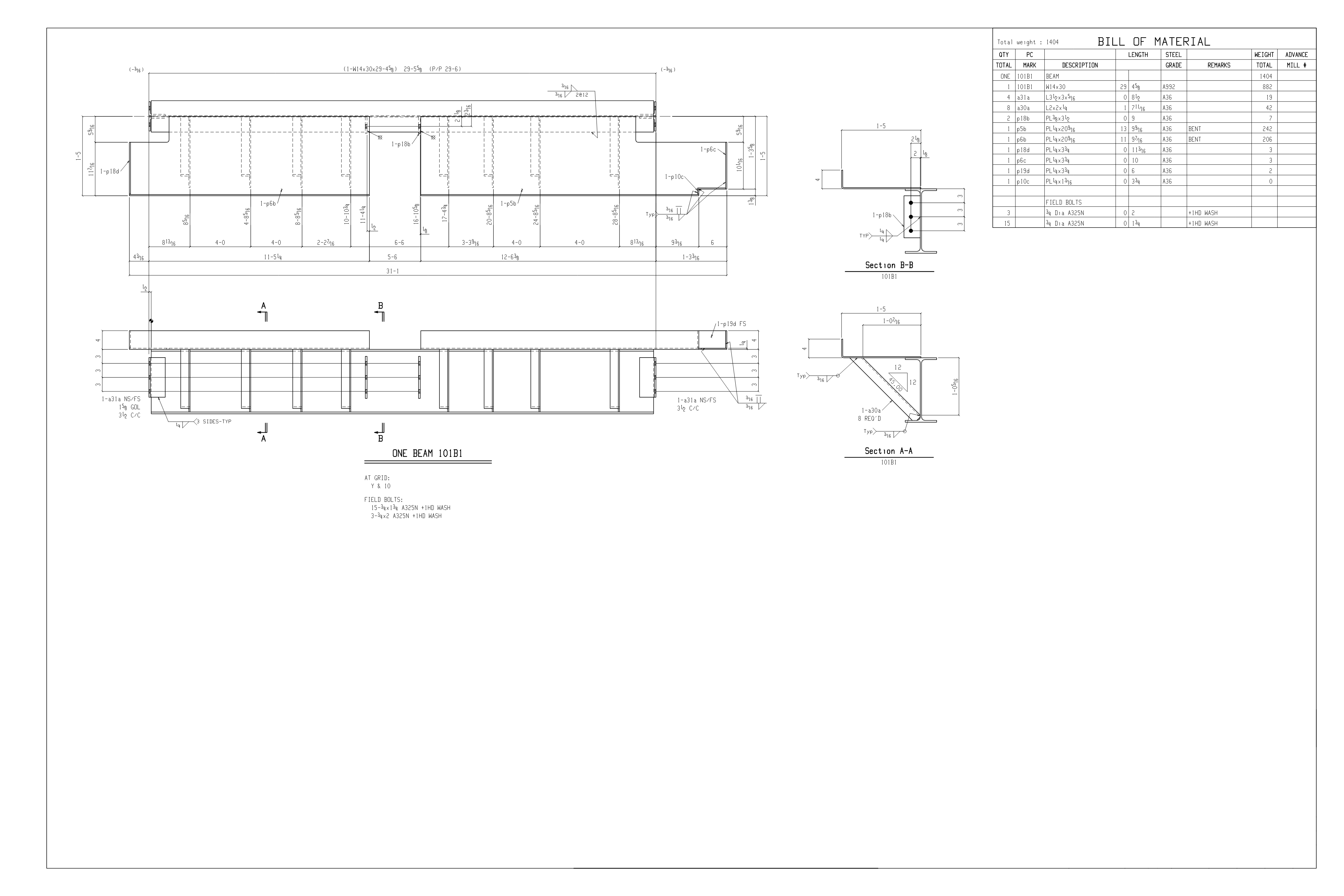
Sample Bill of Material in Drawing: (click to view)
Sample KISS file created by BOM Director 2010 from BOM text file:
KISS,1.1,BOM Director 2010
H,Job #,My Job Name,My Customer Name,17/11/10,19:09:33,0,
D,Drawing 1,,1A,,1,HR,HR GUARDRAIL,,0.00,,,,,,,
D,Drawing 1,,,a1,1,C,C 12x 25,A36,5638.80,,,,,,,
D,Drawing 1,,,b1,1,FB,FB 1/4x 6,A36,5638.80,,,,,,,
D,Drawing 1,,,c1,1,MC,MC 6x 12,A36,5638.80,,,,,,,
D,Drawing 1,,,d1,1,L,L 3x 2 1/2x 3/8,A36,914.40,,,,,,,
D,Drawing 1,,,e1,2,MC,MC 6x 12,A36,914.40,,,,,,,
D,Drawing 1,,,f1,2,PL,PL 3/8x 2 3/16,A36,134.94,,,,,,,
D,Drawing 1,,,g1,6,L,L 1 1/2x 1 1/2x 1/4,A36,1676.40,,M2E,,,,,
D,Drawing 1,,,h1,6,L,L 1 1/2x 1 1/2x 1/4,A36,863.60,,M2E,,,,,
D,Drawing 1,,,k1,3,PL,PL 10 GAx 34,,1676.40,,SEE NOTE 5,,,,,
D,Drawing 1,,,m1,12,PL,PL 3/8x 2 1/2,A36,63.50,,,,,,,
D,Drawing 1,,,n1,6,PL,PL 3/8x 2 1/2,A36,63.50,,,,,,,
D,Drawing 1,,,sb1,18,MB,MB 3/8 GALV BOLTS,A307,38.10,,W/NUT&FW,,,,,
D,Drawing 1,,1B,,10,L,L 6x 4x 1/2,A36,304.80,,,,,,,
D,Drawing 1,,,p1,20,WS,WS 1/2",A108,101.60,,,,,,,
D,Drawing 1,,1C,,4,PL,PL 1/2x 8,A36,304.80,,,,,,,
Features:
-
Written for Windows 7, Vista, XP, Both 32 Bit, and 64 Bit versions.
-
Windows install and uninstall via control panel.
-
Fully supports Windows User Account Control (UAC) Systems on 7 and Vista.
-
Runs in full AutoCAD from 2000 through 2010 32-bit and 64-bit.
-
Automatic AutoCAD menu and toolbar setup.
-
Utilizes the full power of today's best text editors.
-
Supports the KISS public-domain standard created by FabTrol Systems.
-
Automates all file naming and handling.
-
No design restrictions on your drawing bill of material.
-
Work on drawing and bill of material simultaneously.
-
Automates the link between BOM files, KISS files, and your drawing files.
-
Allows for accelerated, review, cross referencing, and checking.
-
Saves all configuration settings in your drawing.
-
Complete help documentation including KISS file setup and requirements.
-
Windows Start Button shortcuts to help and read me files.
For more information please continue to our BOM Director 2010 page.
| Free 30 Day Trial | Buy Now |
BOM Director 2010 Pricing:
Bill of Material Director 2010 = $249.95.
To learn about quantity discounts please visit our online store.